Three different links are called an Amazon storefront link. The seller storefront link is the address tied to your display name in Seller Central, an amazon.com/shops/ URL at the time of this update. The Brand Store short URL is amazon.com/brand-name, free for brands in Brand Registry.
The influencer storefront, an amazon.com/shop/ URL, belongs to creators. Which one you need depends on where you are sending people.
Everything here was checked for this update against Amazon Ads’ Brand Stores page. The post covers the three links and which is yours, where to find the seller storefront link, how to set up a custom URL for your Amazon storefront, how to share and track it, and the mistakes that break it.
The three Amazon storefront links, and which one is yours
| Link | Who has it | What it looks like | What it opens |
|---|---|---|---|
| Seller storefront link | Every seller with a display name | amazon.com/shops/your-display-name (the pattern at the time of this update) | Every listing sold by your account, in Amazon’s layout |
| Brand Store short URL | Brands enrolled in Brand Registry | amazon.com/brand-name | Your Brand Store: your pages, your design, built in the Store builder |
| Influencer storefront | Creators in the Amazon Influencer Program | amazon.com/shop/handle (the pattern at the time of this update) | A curated page of other brands’ products |
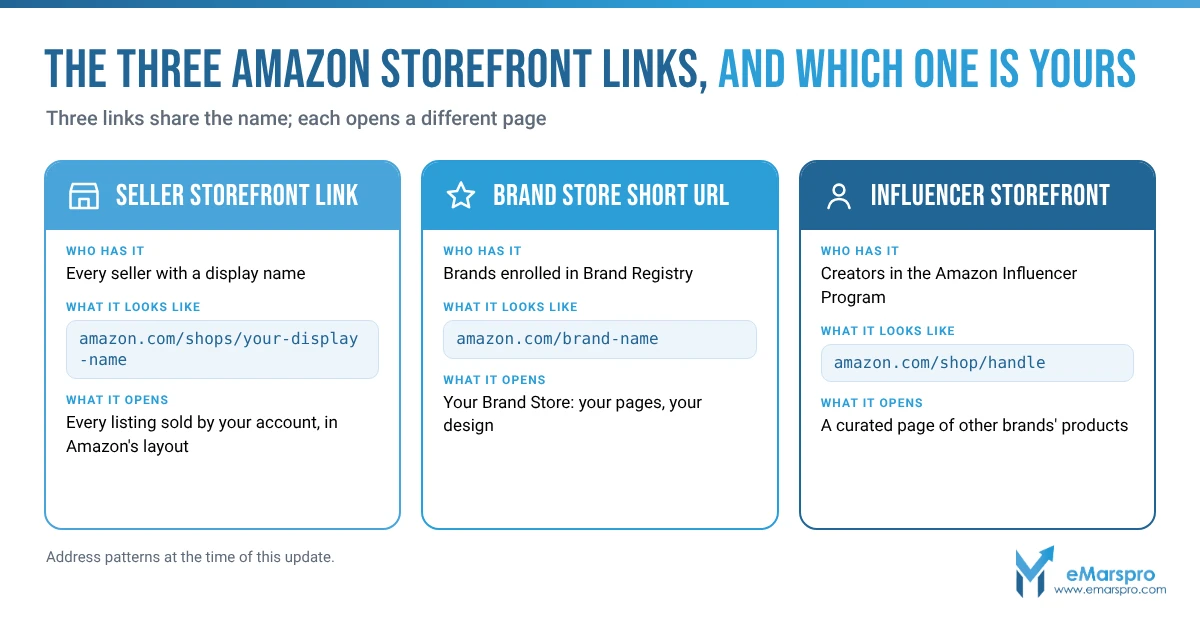
Sellers searching for their store link usually want the first; brands running ads want the second, because Amazon Ads lets a Brand Store be “the Amazon landing page for your Sponsored Brands campaigns.” The third belongs to creators, and a brand cannot create one for itself.
How to find your Amazon seller storefront link
The seller storefront link lives with your display name. At the time of this update the path in Seller Central is Settings, then Account Info, then the Business Information block, where Display Name and the Storefront Link sit together. Amazon moves menu items; if the field is not there, search “storefront link” in Seller Central help.
Two checks before you share it. Open the link in a private window to see what a shopper sees, and confirm the display name is the one you want on the link; the address is built from the name, so a later rename can change it and break every copy already in the wild.
Keeping that link, the display name and the Brand Store aligned is the kind of housekeeping an Amazon account management team does monthly, because a broken link is traffic you paid for arriving at a dead page.
How to set up a custom URL for your Amazon storefront
For a Brand Store, the custom link is the short URL Amazon gives the Store: “send shoppers directly to your Brand Store via the short URL, such as amazon.com/brand-name.” It comes with the Store, which Amazon Ads describes as free to create and maintain, built in the self-service Store builder from templates and drag-and-drop tiles, then submitted for review.
Eligibility is the Store’s, not the link’s: Amazon says only brands with a pending or registered trademark can create a Brand Store, and a seller enrolls the brand in Brand Registry first. Setting up an Amazon store walks through the build; what it costs to open an Amazon store covers the account fees around it.
For the seller storefront link, the only customization is the display name. Pick it once, keep it short, and check it in Seller Central before saving; at the time of this update Amazon flags a name another seller already uses, so have a second choice ready.
How to share and track your Amazon storefront link
Amazon Ads says that when you promote a Store outside Amazon, “you can also add a tag to the URL to analyze traffic sources,” and that Brand Store Insights tracks “sales, visits, page views, traffic sources, and more.” Tag every placement differently: one tag for the email footer, one for each social profile, one for the influencer brief.
Then read Insights weekly for the tags that bring visitors who buy, and cut the placements that bring visitors who do not. Shoppers can also share a Brand Store from Amazon itself, which is why the Store’s own pages should carry the products you want seen first.
The mistakes that break a storefront link
- Sharing the seller storefront link when the Brand Store was the page you built. The /shops/ address shows Amazon’s layout, not yours.
- Changing the display name after the link is printed on packaging or posted in a bio.
- Linking a product page instead of the Store in a campaign, so a stockout kills the whole campaign.
- One link for every country. A storefront link is built on one marketplace domain.
- Editing a live Brand Store without checking its review status; a Store under review is not the Store the link opens.
Where AI reads your storefront now, and what you still decide
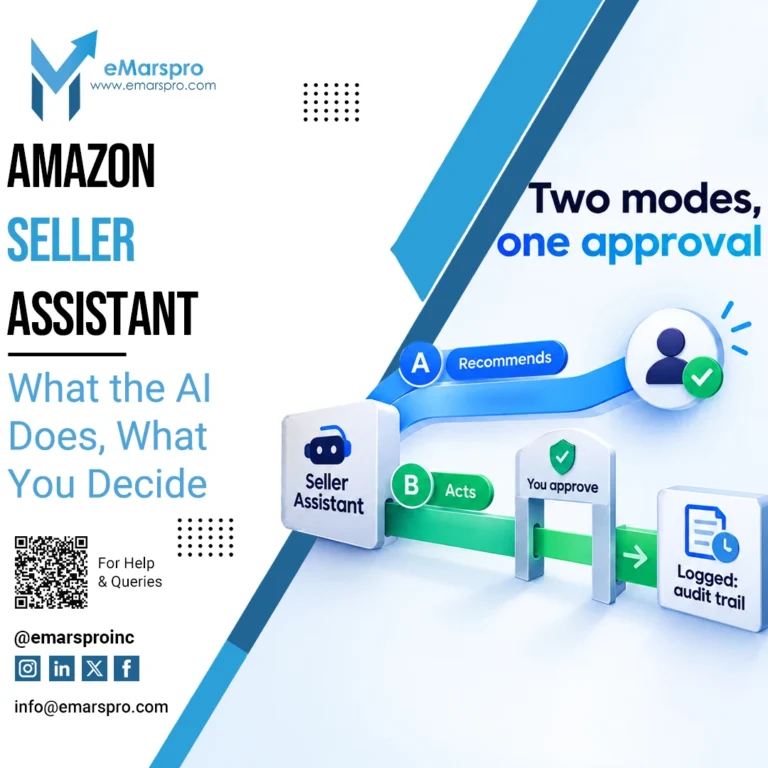
Amazon’s Creative Agent, listed on Amazon’s AI information page updated August 2026, reads a Brand Store and product pages to generate on-brand ad creative, so the Store is now an input to Amazon’s ad tools, not only a landing page. The shopping assistants read it too; what Alexa for Shopping reads on a listing covers the structured fields they use.
What a person still decides: which products the Store leads with, which link goes in which placement, and whether a generated creative says what the brand would say. The tools read the Store; the Store is still yours to build.
Frequently Asked Questions
The Brand Store is: Amazon Ads says “creating and maintaining a Brand Store is free” for brands in Brand Registry. The seller account behind it is not: Amazon’s pricing page lists $0.99 per item on the Individual plan or $39.99 a month on Professional, plus the fees on each sale.
For the seller storefront link, a seller account and a display name. For the Brand Store and its short URL, enrollment in Amazon Brand Registry, which Amazon says needs a pending or registered trademark. For the influencer storefront, acceptance into the Amazon Influencer Program.
On a product page, the “Sold by” line links to the seller’s storefront, and the brand byline under the title links to its Brand Store if it has one. Amazon’s shopping results also surface Brand Stores, so searching the brand name on Amazon often lands on the Store.
Yes. A storefront link is built on one marketplace domain, so an amazon.com link opens the US store and does not carry a shopper to amazon.co.uk. A brand selling in several countries keeps one link per marketplace and shares the right one for each audience.
Most often the link points at a product that is out of stock or delisted, the display name was changed after the link was shared, or a Brand Store was taken down for review after an edit. Open the link in a private window, then check the display name and the Store status in Seller Central and the advertising console.
One link per audience, checked in a private window
The seller storefront link for the account, the Brand Store short URL for the campaign, and a tag on every copy you share: that is the whole method. If the account behind the link needs the same care, our Amazon account management team starts with a free audit of the account, findings within 48 hours.
Send Every Shopper To The Right Amazon Page
If you want the storefront, the Brand Store and the account behind them run with the same care, our Amazon account management team starts with a free account audit, findings within 48 hours.