

Quick answer: Prime Exclusive Discounts are seller-funded discounts shown only to Prime members, now created in Seller Central under Advertising then Price Discounts. Your product needs a Prime badge, a solid rating, and a discount deep enough to clear Amazon’s minimum below the recent selling price. Get the discount depth and the reference price right, and most rejections disappear.
What Prime Exclusive Discounts are in 2026
A Prime Exclusive Discount is a discount you fund that only Prime members see. It carries a badged strike-through price, and during a Prime event it can earn event badging across search, the cart, and the product page.
The mechanics are the same as before. What changed is where you build it: the standalone menu is gone, and the discount now lives inside the Price Discounts tool.
Eligibility: who and what qualifies
Eligibility has two layers, the account and the product. Treat the numbers below as typical values from Amazon’s published guidance and confirm the current figures in Seller Central the day you set up, because Amazon adjusts them per event and inside the new tool.
| Requirement | Typical rule | Confirm in Seller Central |
|---|---|---|
| Account standing | Professional account in good standing | Yes |
| Seller rating | Around 4 stars on recent feedback | Yes |
| Prime badge | The offer must be Prime-eligible, through FBA or Seller Fulfilled Prime | Yes |
| Product rating | At least 3.5 stars, or no rating yet | Yes |
| Minimum discount depth | Often at least 20 percent off the non-Prime, non-promotional price | Yes, this changes per event |
| Reference price rule | The discounted price must sit meaningfully below the reference price and below the recent low | Yes |
How to set up Prime Exclusive Discounts, step by step
- In Seller Central, go to Advertising, then Price Discounts.
- Choose Create a new discount. For a Prime event, select Events from the discount-type dropdown. For an evergreen Prime discount, choose the standard discount type.
- Complete the discount form: schedule, and a discount value that meets the current minimum depth.
- Move to the Add Products step and add your ASINs or SKUs.
- Submit for approval, then check status before the event cutoff.
Two operational facts to plan around. The new tool has roughly a six hour activation delay, longer than the old one to two hours, so build early. And you cannot edit a discount or add and remove products once it is running, so get it right the first time.
For a Prime event submission, Amazon charges a flat merchandising fee per event campaign, applied only if at least one unit sells, and submissions close several hours before the event ends. Confirm the current fee, SKU cap, and cutoff in Seller Central when you submit.
If you want the whole promotion calendar planned and run for you, that is part of what our Amazon account management team handles, and account-specific setup questions are exactly what our Amazon Seller Central consulting team works through.
The eligibility traps that get you rejected
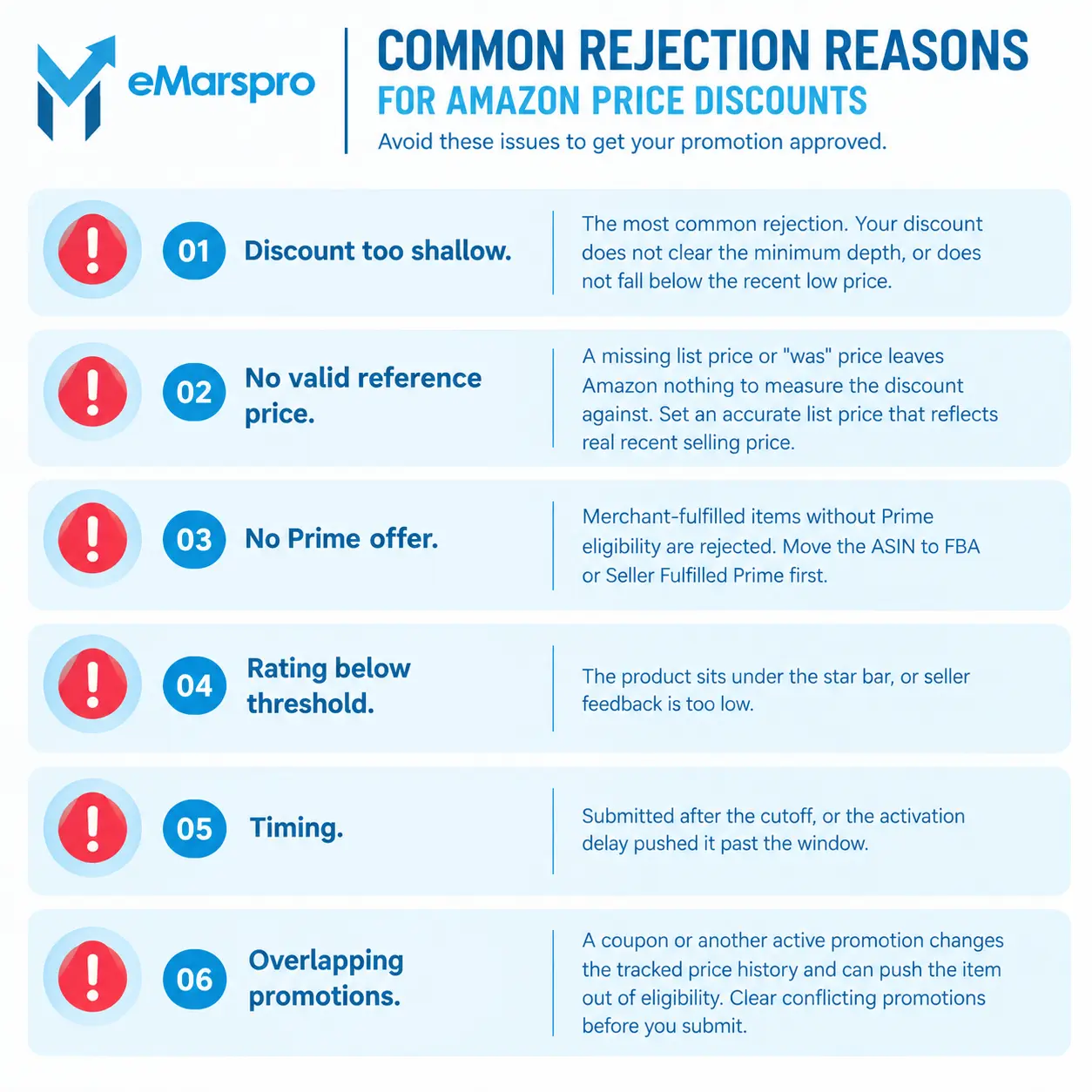
Most rejections come from a short list of avoidable mistakes.
- Discount too shallow. The most common rejection. Your discount does not clear the minimum depth, or does not fall below the recent low price.
- No valid reference price. A missing list price or “was” price leaves Amazon nothing to measure the discount against. Set an accurate list price that reflects real recent selling price.
- No Prime offer. Merchant-fulfilled items without Prime eligibility are rejected. Move the ASIN to FBA or Seller Fulfilled Prime first.
- Rating below threshold. The product sits under the star bar, or seller feedback is too low.
- Timing. Submitted after the cutoff, or the activation delay pushed it past the window.
- Overlapping promotions. A coupon or another active promotion changes the tracked price history and can push the item out of eligibility. Clear conflicting promotions before you submit.
A quick pre-submit check
Before you hit submit, confirm four things: the item is Prime-eligible, the reference price is accurate, the discount clears the current minimum depth below the recent low, and you are inside the submission window. That check catches most of what gets rejected.
Frequently Asked Questions
Amazon folded it into the Price Discounts tool on January 7, 2025. You now create the discount under Advertising, then Price Discounts, and select Events for a Prime event or the standard type for an evergreen Prime discount.
The product needs a Prime badge through FBA or Seller Fulfilled Prime, a rating of at least 3.5 stars or no rating yet, and a discount that clears Amazon’s minimum depth and sits below the recent low price. The account must be in good standing. Confirm the current figures in Seller Central, because Amazon changes them per event.
The usual cause is a discount that is too shallow, a missing or wrong reference price, an item that is not Prime-eligible, a rating below the threshold, or a conflicting coupon that altered the price history. Fix the reference price and the discount depth first.
No. In the current Price Discounts tool you cannot edit a running discount or add and remove products once it is live, and the tool takes roughly six hours to activate, so build it correctly before you submit.
Want Your Promotions Planned For You?
Our Amazon account management team starts with a free account audit and findings in 48 hours.