
Quick answer: A Shopify Black Friday prep checklist covers site speed, checkout, apps, inventory, offers, email capture and post event retention. If you also sell on Amazon, four of those items change: pricing parity, inventory splits, ad budget and promotion timing all have to line up across both channels before BFCM 2026.
Most Black Friday checklists treat your Shopify store as if it is the only place you sell. For a brand running Shopify and Amazon together, that is the expensive gap. This checklist gives you the standard Shopify prep, then the Amazon overlap that pure Shopify guides skip.
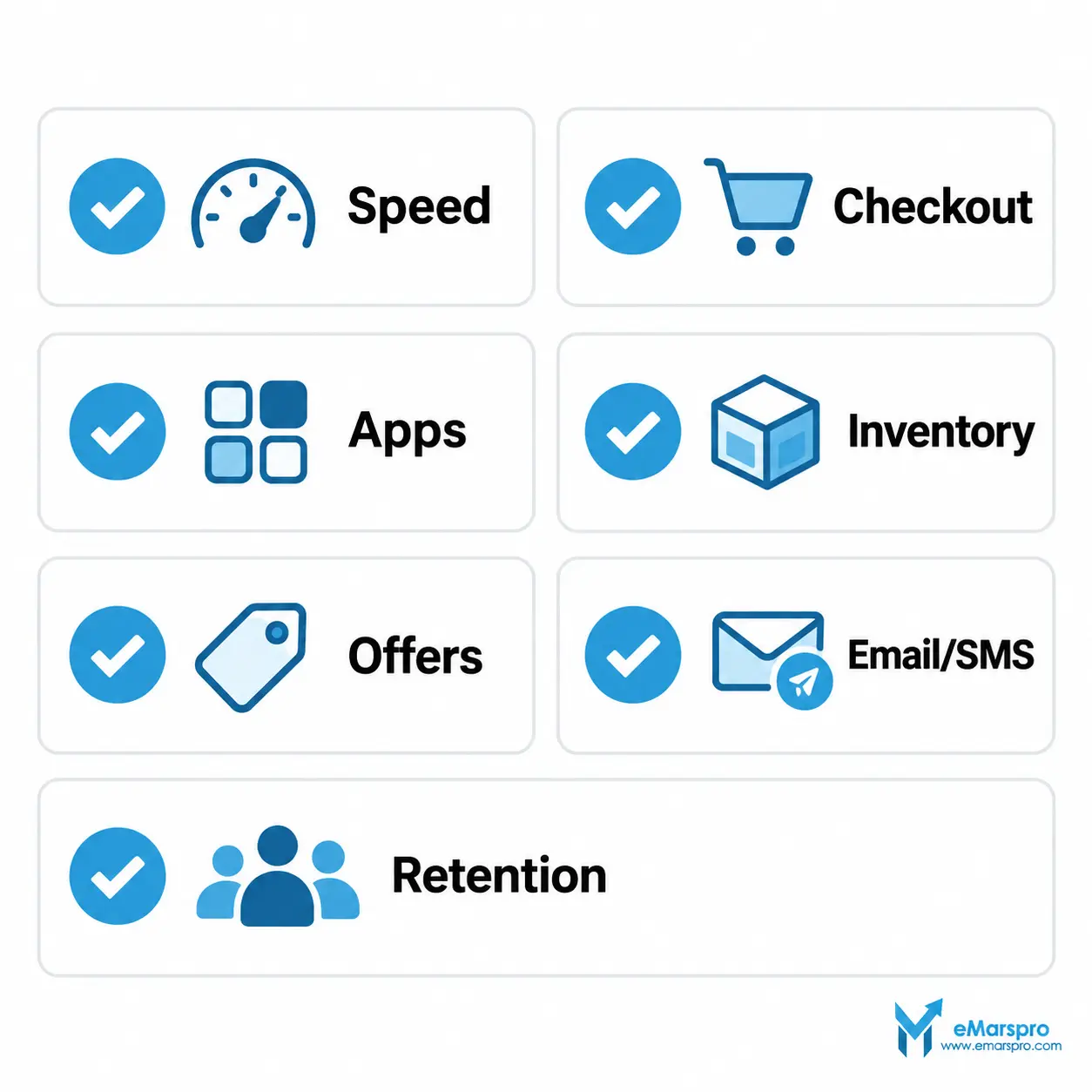
Your Shopify Black Friday prep checklist at a glance
Start here. These are the areas every store needs ready, and they map closely to Shopify’s own BFCM checklist. Work top to bottom; the multichannel layer comes after.
| Area | What to do | Why it matters for BFCM |
| Site speed | Test load under traffic, trim heavy apps and code, right size images | Core Web Vitals affect conversion and rank; peak traffic exposes slow themes |
| Checkout | Streamline steps, enable express and installment options | A clean checkout protects conversion when sessions spike |
| App audit | Remove low value apps and stale tracking tags | Every extra script is weight your store carries on the busiest day |
| Inventory | Forecast demand, set buffer on bestsellers, confirm reorder cutoffs | Stockouts on day one are lost margin you cannot recover |
| Offers | Build discounts and bundles, protect margin floors | The discount depth decides whether volume is profitable |
| Email and SMS | Grow the list now, schedule the campaign sequence | Owned audience is the cheapest traffic you will run all quarter |
| After BFCM | Plan retention, returns handling and a debrief | The second purchase is where a BFCM buyer becomes worth keeping |
For the speed items specifically, follow Shopify’s Core Web Vitals guidance, which explains the Core Web Vitals thresholds Google uses. Aim for the good band on real user data before the traffic arrives, not after.
The 2026 dates that anchor the plan
Black Friday 2026 falls on Friday, November 27. Cyber Monday is Monday, November 30. Count back six to eight weeks and your real start is early to mid October. Inventory and ad lead times, not the sale date, decide when you actually begin.
If you sell on Amazon FBA, the Amazon inbound cutoff sits even earlier than your Shopify start. Treat it as the first hard date on the calendar, not an afterthought.
What most Shopify Black Friday checklists get wrong
They assume one channel. In accounts we manage on both Shopify and Amazon, the failure we see most is a sitewide Shopify discount that quietly suppresses the Amazon Buy Box on the highest traffic day of the year. Nobody planned it, because the two calendars were never put side by side.
If your brand sells on both, the six overlaps below are the part of the checklist that actually protects margin.
Six overlaps to coordinate when you also sell on Amazon
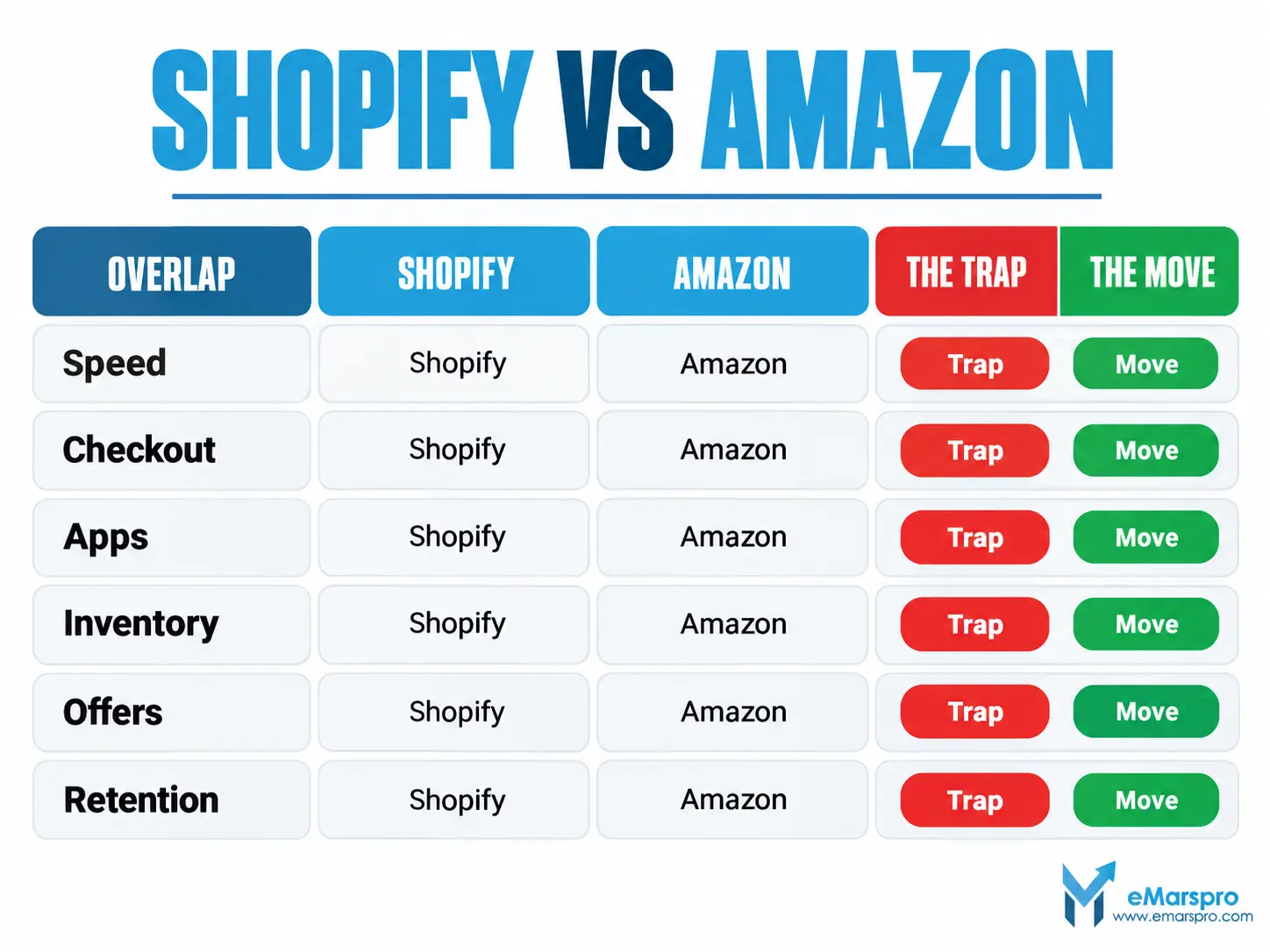
| Overlap | The trap | The move |
| Pricing parity | A deep Shopify price knocks out your Amazon Featured Offer | Mirror the promo on Amazon with a coupon or deal, or discount non overlapping SKUs on Shopify |
| Inventory split | One stock pool oversells across two channels | Set a per SKU split, sync stock, hold buffer on bestsellers |
| FBA restock cutoff | Amazon units must arrive weeks before the sale | Lock the Amazon inbound decision first, then plan Shopify |
| Ad budget | Meta and Google plus Amazon Ads compete for the same buyer | Run one combined budget, weighted by where each SKU converts |
| Promotion timing | A Shopify sale runs days ahead of the Amazon deal window | Align start and end times so parity holds across both |
| Fulfillment promise | Two different delivery and returns promises confuse buyers | Keep the shipping cutoff and returns window consistent |
Pricing parity is the one that bites hardest
Amazon monitors prices on and off Amazon. Advertise the same item much cheaper on Shopify and you risk losing the Featured Offer under the Amazon fair pricing policy. Losing the Buy Box on Black Friday is losing your Amazon sales for the day. Decide a parity plan first, then design the Shopify offer around it.
Inventory and the FBA cutoff lock early
A single inventory pool has to feed both direct to consumer orders and Amazon. Over commit to Amazon and Shopify stocks out; under commit and you lose the FBA Buy Box. Because Amazon inbound has to arrive before the event, that split is decided weeks ahead. Steady hands on this is the core of Amazon FBA management.
One buyer, two ad budgets
The same shopper can be chased by your Meta and Google spend toward Shopify and your Amazon Ads at the same time. Costs climb on both around BFCM. Run one combined budget and stop paying twice to reach one person. This is where day to day Amazon PPC management and your DTC team need one plan, not two.
The BFCM marketing plan: email, SMS, landing pages and the discounts
Shopify’s own 2026 checklist and its Help Center guide set the shape of the plan, checked for this update: warm-up emails before the offer drops, segments for the VIP offer, a tested abandoned-checkout automation, a sale collection that fills itself, and a homepage that states the offer, the end date and the terms.
The plan below puts those in order for a brand that also sells on Amazon.
| When | Email and SMS | Store |
|---|---|---|
| Two weeks out | Warm-up emails with hints and teasers; the VIP segment gets early access first | Build the sale collection as a smart collection with the condition “Compare-at price is not empty”, so it updates itself; publish the landing page early and check every link, image and filter |
| One week out | Test the abandoned checkout automation (Apps, Messaging, Automations) with a real test checkout; schedule the launch and last-chance sends | Set the discounts: automatic discounts apply at checkout without a code, codes need entry, and a customer can combine up to five codes per order; shareable discount links apply the code and can carry UTM parameters. Schedule the changes with Rollouts: the Black Friday rollout ends Sunday at midnight, the Cyber Monday rollout starts when it ends, and every rollout gets an end date so the store reverts on its own |
| Launch | The launch email and SMS at the hour the offer opens, with the discount link, not a code to type | Homepage hero states the offer, the end date and the terms; the sale collection is in the main navigation; the Amazon price for the same SKU moves with it, for the parity reason the section “Pricing parity is the one that bites hardest” explains above |
| Last day | The last-chance send with the real end time; nothing is extended quietly | The rollout end date does the reverting; check the compare-at prices came off on Tuesday morning |
| After the weekend | A retention send two to five days after purchase, the thank-you email five to seven days after, and a check-in two to three weeks later | The gift-guide page replaces the sale page |
One figure from Shopify’s own 2025 recap explains why the checkout line matters: 32 percent of orders used Shop Pay. Keep accelerated checkout on and guest checkout open.
For the ideas that are not a discount, on Shopify and on the marketplaces, see our Cyber Monday marketing ideas post. The parity rule still applies to each of them: the offer a shopper sees on your store must not undercut the same SKU on Amazon.
A combined six-week countdown
This merges both channels into one sequence. Dates assume a Black Friday of November 27, 2026.
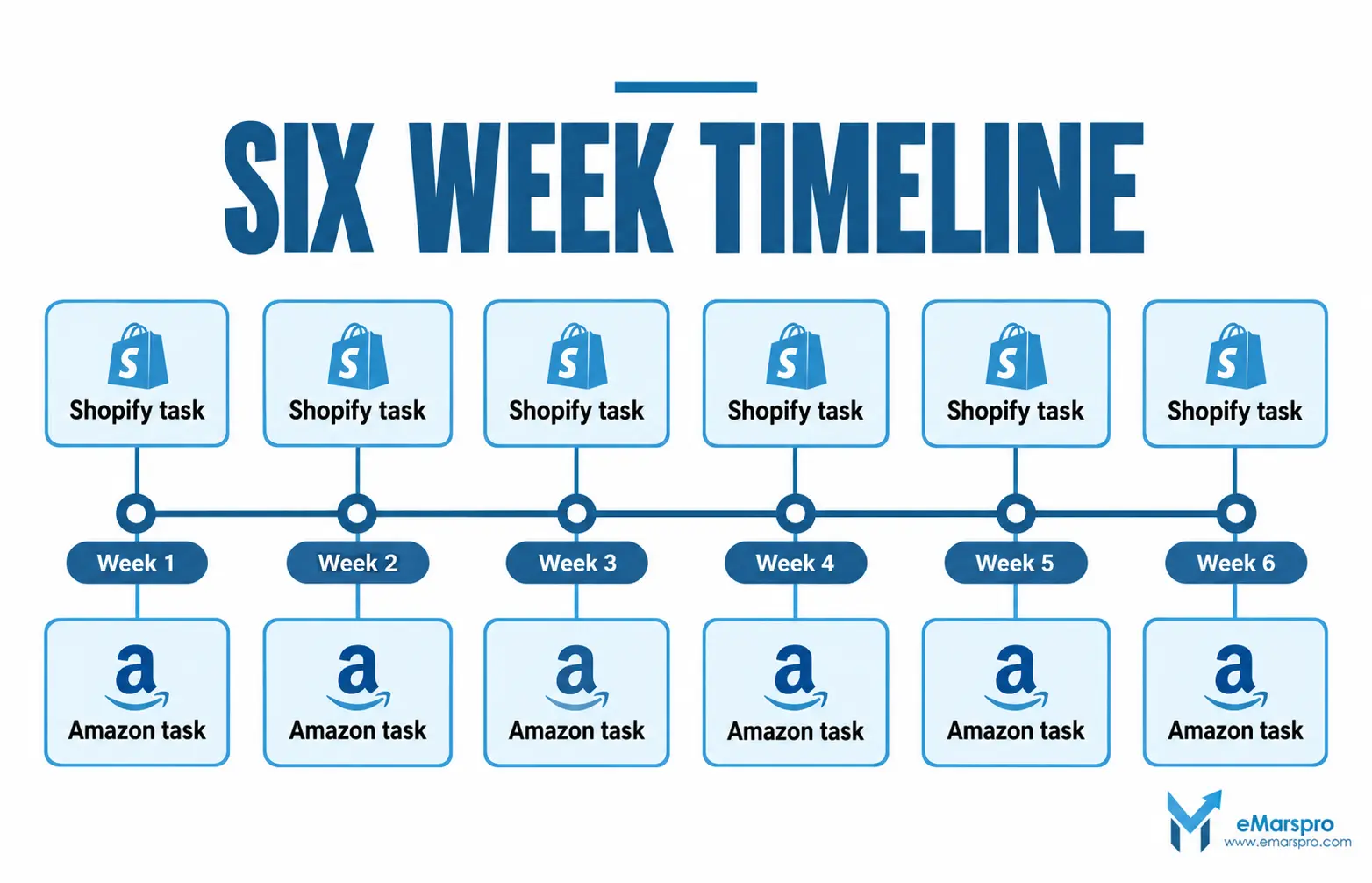
- Weeks 6 to 8 out (early October): finalize the SKU list, decide the Shopify to Amazon FBA inventory split, and confirm the Amazon inbound cutoff. See our Amazon Q4 strategy post for the stock and budget frame.
- Week 5: run site speed and load tests, complete the app audit, and set your margin floors per SKU.
- Week 4: build Shopify offers and the matching Amazon coupon or deal so prices stay in parity. Draft the email and SMS sequence.
- Week 3: finalize one combined ad budget across Meta, Google and Amazon Ads, weighted by where each SKU converts.
- Week 2: lock promotion start and end times across both channels, and confirm shipping cutoffs and returns windows match.
- Week 1: freeze changes, brief support, and set a daily Buy Box and stock check to run through the sale.
Frequently Asked Questions
Black Friday 2026 is Friday, November 27, and Cyber Monday is Monday, November 30. Most stores should start six to eight weeks out, so early to mid October, because inventory and ad decisions both need lead time before the traffic arrives.
Yes. Amazon watches prices on and off Amazon under its fair pricing policy, so a deep Shopify discount can push Amazon to suppress your Featured Offer. Set a parity plan before the sale and check Buy Box status daily during it.
Decide a per SKU split before your FBA inbound cutoff, sync stock across both channels so one does not oversell the other, and hold buffer units on your bestsellers. The Amazon side of the decision locks in weeks before the Shopify sale goes live.
Site speed and load testing, a streamlined checkout, an app audit, inventory and buffer planning, discount setup, email and SMS capture, and a post event retention plan. Brands who also sell on Amazon add pricing parity, a channel inventory split, and one ad budget across both.
Run BFCM as One Plan, Not Two
A Shopify Black Friday plan and an Amazon plan that never meet is how brands lose the Buy Box, oversell stock, or pay twice for one buyer. Put both on one calendar and the overlaps become straightforward. If you want a second set of eyes, our Amazon account management team starts with a free 48 hour audit of your account. Our Black Friday marketing agency team runs Shopify and the marketplaces as one plan.