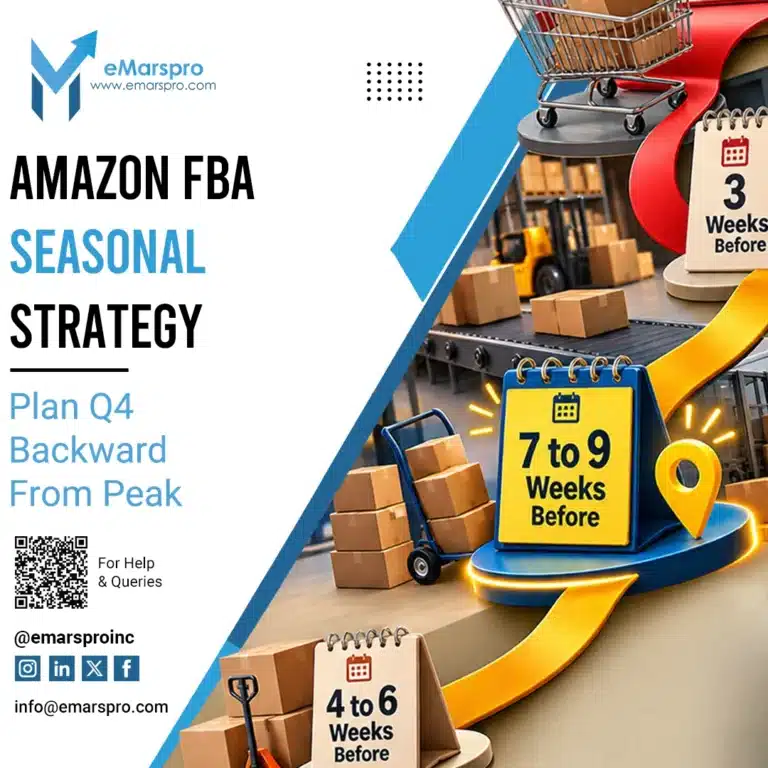
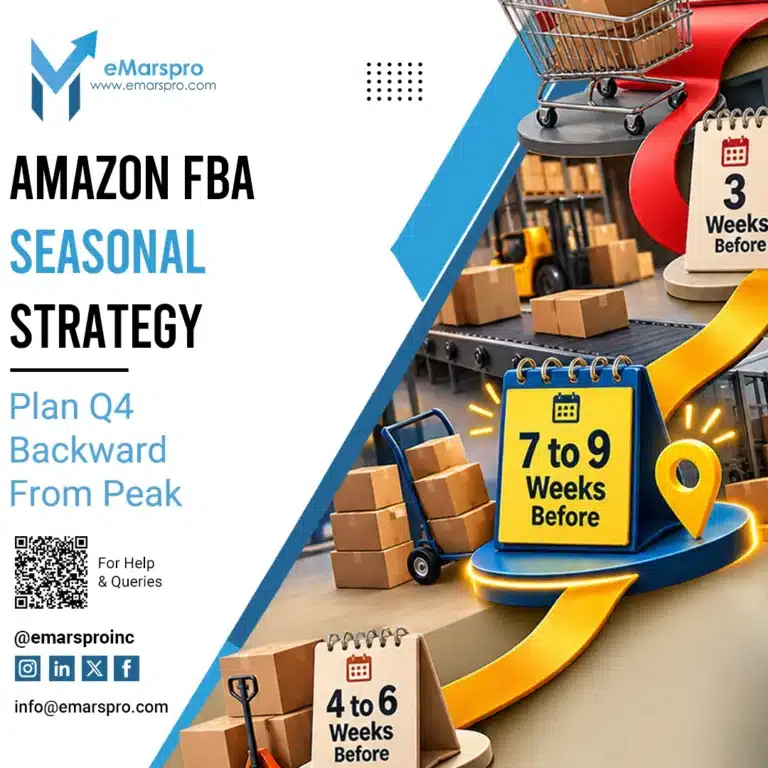
Amazon has not published its Q4 inbound cutoff dates yet. What it has published is a preparation timeline measured in weeks before the peak, and that is enough to plan from today.
So the seasonal method is not “wait for the date”. It is: fix your own peak week, count backward through Amazon’s four windows, and treat Amazon’s holiday page as the thing you check for dates rather than the thing you guess at.
What Amazon Publishes Today, and What It Does Not
Checked against Amazon’s own pages, August 17, 2026. This matters because most seasonal guides quote figures Amazon is not currently publishing anywhere.
| What you may want | Does Amazon publish it today? | Where it lives |
|---|---|---|
| Q4 inbound receiving cutoff date | No | Amazon’s own FBA holiday guide is where it will appear. Watch it, and your Seller Central announcements |
| A preparation timeline | Yes | The same holiday guide, as four windows measured in weeks before your peak |
| Aged inventory threshold | Yes | Amazon states the surcharge is charged monthly for items stored in a fulfillment center for more than 181 days |
| How storage is calculated | Yes | The same page: charged on your daily average volume in cubic feet |
| Peak period storage rates | No | Seller Central fee pages. Read them there before you model anything |
One rule follows from that table, and it is the whole reason this post is structured the way it is: plan against the windows, not against a date you found in an article. A cutoff you cannot source is a cutoff you cannot ship against.
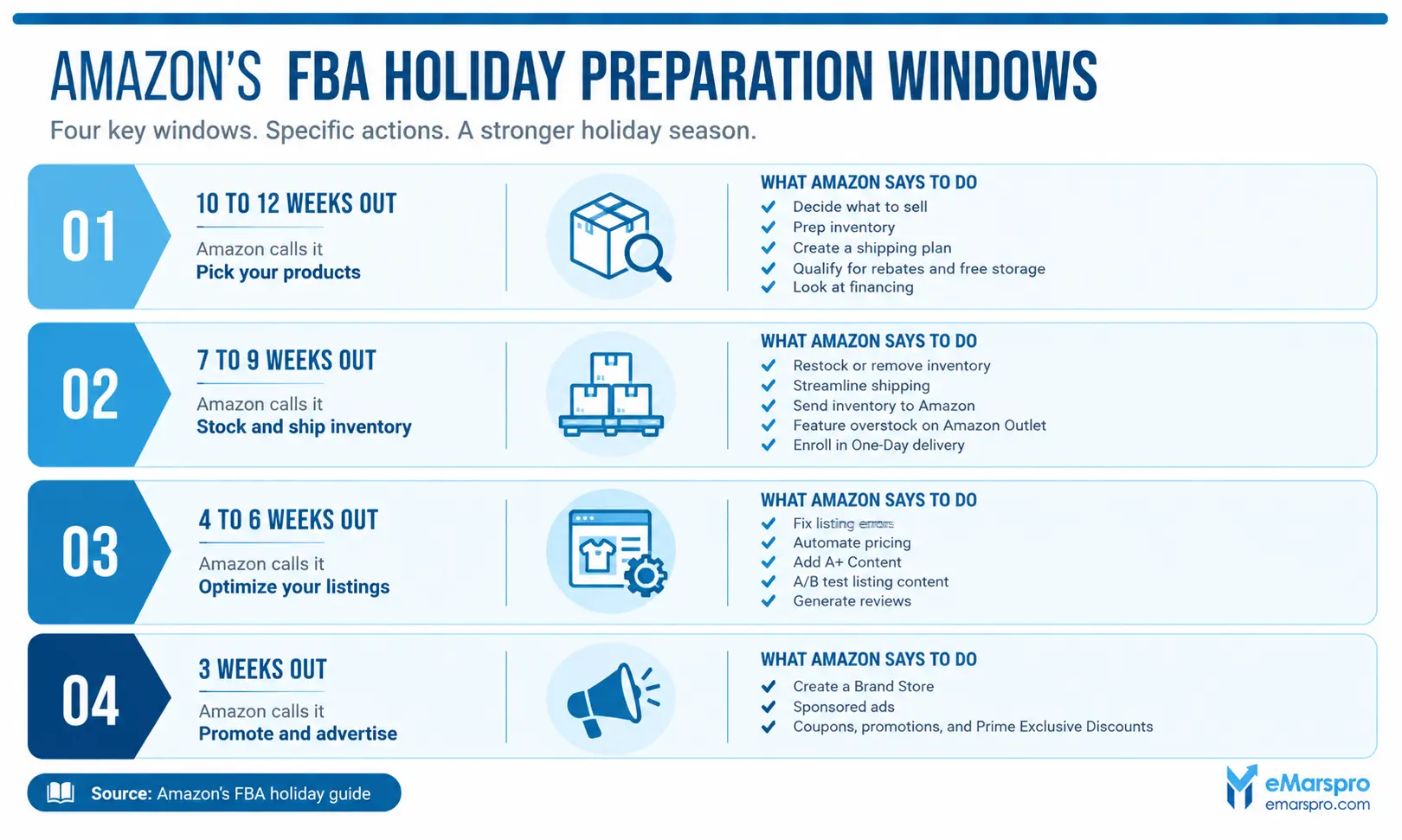
Amazon’s Four Preparation Windows
These are Amazon’s own, taken from its FBA holiday guide. The wording of each action is Amazon’s; the ordering discipline is what you add.
| Window | Amazon calls it | What Amazon says to do |
|---|---|---|
| 10 to 12 weeks out | Pick your products | Decide what to sell, prep inventory, create a shipping plan, qualify for rebates and free storage, look at financing |
| 7 to 9 weeks out | Stock and ship inventory | Restock or remove inventory, streamline shipping, send inventory to Amazon, feature overstock on Amazon Outlet, enroll in One-Day delivery |
| 4 to 6 weeks out | Optimize your listings | Fix listing errors, automate pricing, add A+ Content, A/B test listing content, generate reviews |
| 3 weeks out | Promote and advertise | Create a Brand Store, sponsored ads, coupons, promotions, and Prime Exclusive Discounts |
Running these windows across a full wholesale catalog, per SKU, alongside supplier chasing and Buy Box defense, is the standing work our Amazon FBA management team does week to week.
Two things worth noticing about that ladder.
First, inventory ships before listings get optimized. Sellers routinely do it the other way round and then discover the polished listing has nothing behind it.
Second, the windows are relative, so they work for any peak, not just the holidays. A back-to-school seller runs the same four windows against a different week.
Working Backward From Your Own Peak
Amazon’s windows count backward from a peak. Yours, not a generic one. Run this once per seasonal SKU.
- Name your peak week. Not the quarter, the week, and take it from your own sales history rather than from a marketplace calendar. Most wholesale catalogs have two: an early-quarter lift and the Thanksgiving to Cyber Monday run
- Subtract your real freight transit. Port to fulfillment center, using the last shipment you actually tracked, not the quoted figure
- Subtract your real supplier lead time. Same rule. Lead times quoted in January are not the lead times running in August
- Subtract a buffer for receiving. Inventory is not sellable when it arrives at the building, it is sellable when it is checked in
- That is your order-by week. If it has already passed, you are not planning this peak any more, you are deciding how much of it to skip
- Repeat per SKU, not per catalog. One shared date across a mixed catalog is how half a catalog misses
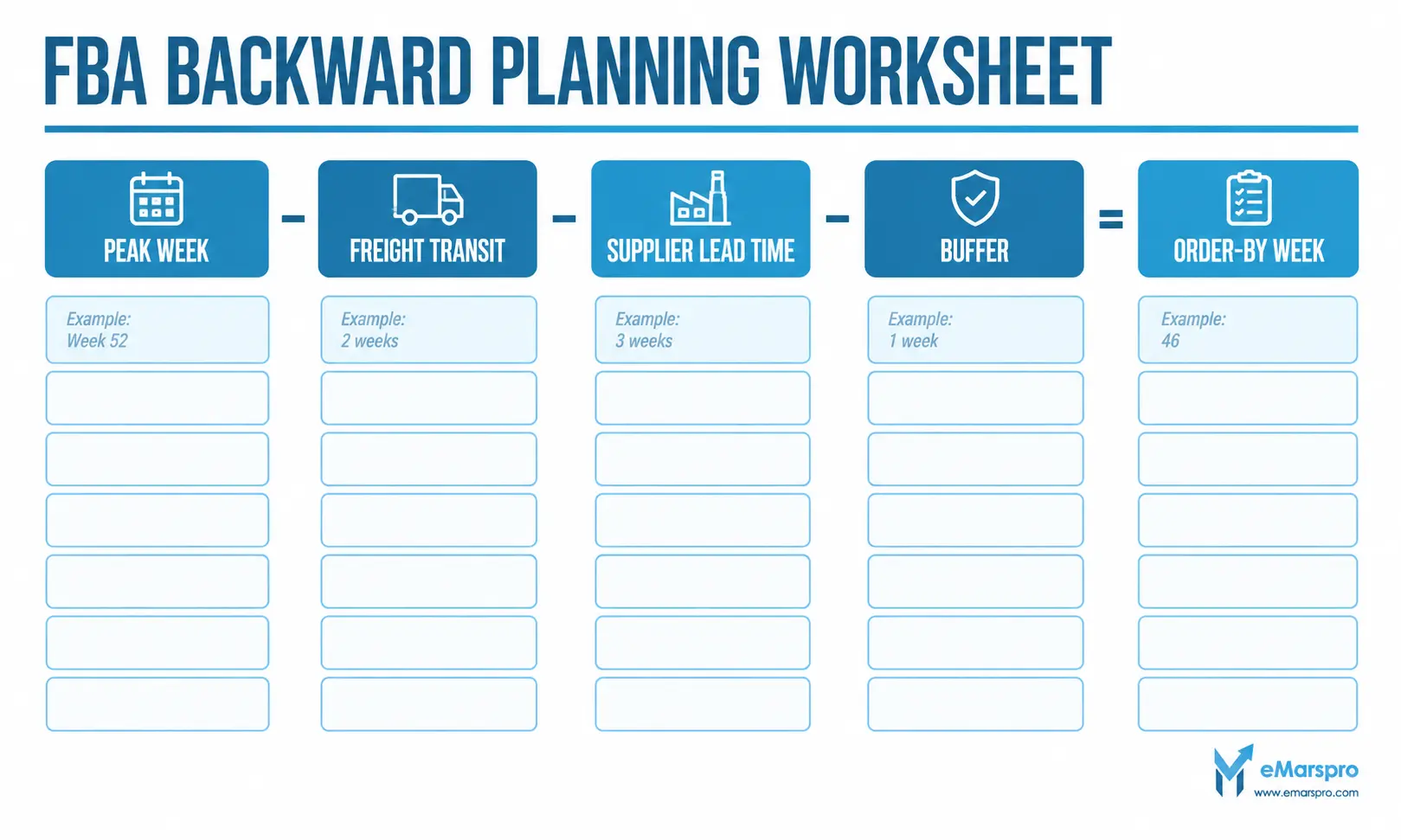
If step 5 lands in the past for most of your SKUs, that is the finding, and it is a better outcome than a plan built on a date nobody can source.
The Storage Clock Running Under Q4
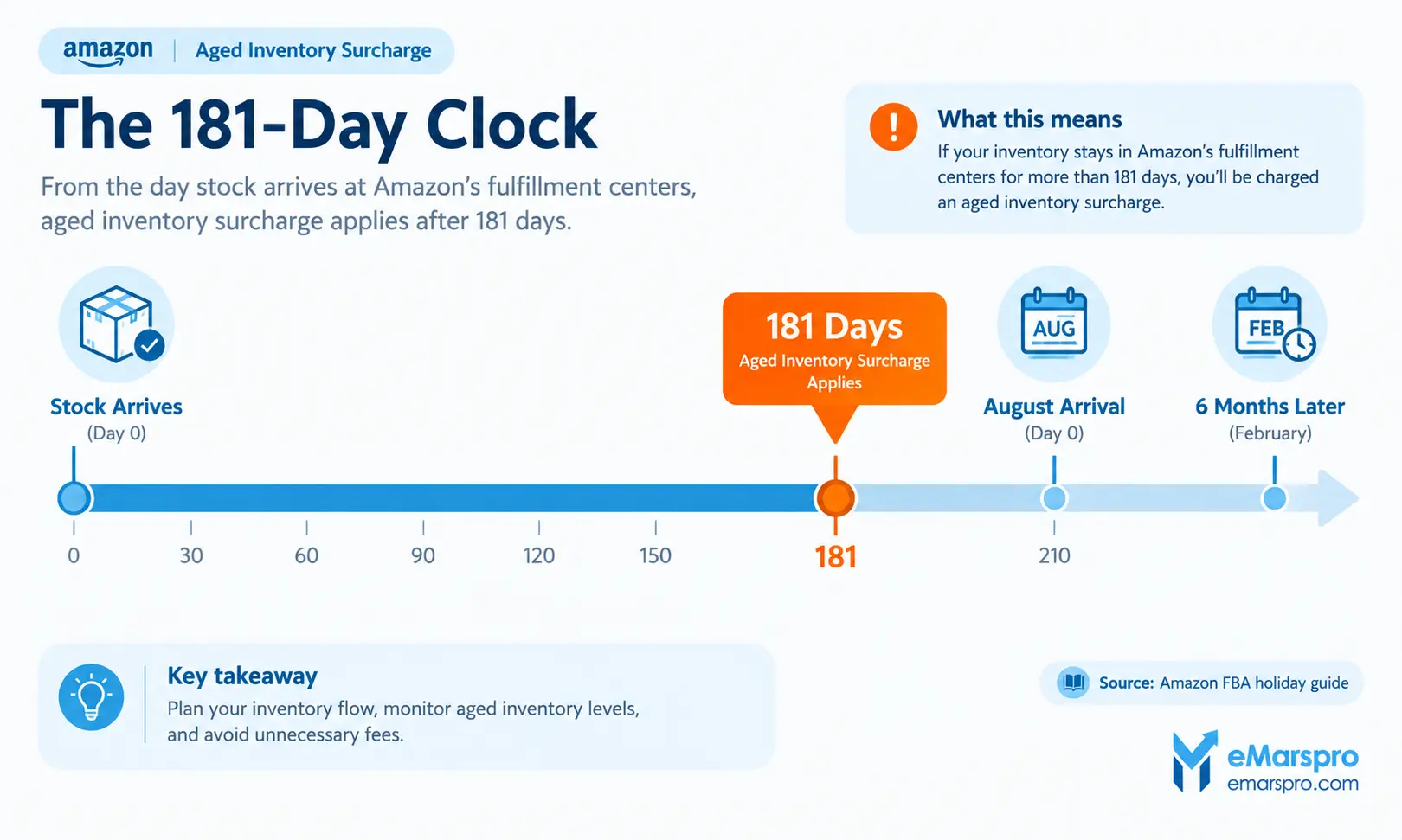
Every unit you send in starts a clock, and Q4 is when the most units are running on it at once.
Amazon charges storage on your daily average volume in cubic feet, so the bill follows space and time rather than units sold. Send more, earlier, and you pay for the gap.
The threshold to plan against: Amazon applies its aged inventory surcharge to items stored in a fulfillment center for more than 181 days. Stock landed in August for a Q4 peak crosses that line in February. So the exit plan is part of the inbound plan, not a January problem.
Three decisions that stop the clock costing you:
- Set the markdown date before the season, not after it. A date you set in advance gets acted on. A date you set in January gets argued about
- Split large seasonal buys into two inbound shipments where lead times allow, so the second one is a decision rather than a commitment
- Clear stranded inventory before peak, not during it. Stranded units accrue storage while selling nothing, and the fix is a listing fix
Before you commit the buy, run the unit economics with storage in the model, and know the fees that do not appear on the invoice you expect. A seasonal SKU that is profitable in November and stored until March is often not profitable at all.
The Off Season Decides the Next Peak
The year-round half of seasonal strategy is the half that gets skipped, and it is where the next peak is actually won.
- Run the post-season audit in the two weeks after the peak, while the data is fresh and the reasons are still remembered
- Record actual lead times and actual transit times, per supplier, per lane. That record is what makes next season’s backward count real instead of theoretical
- Decide the fate of leftovers on the date you set, using markdown, removal or liquidation
- Write next season’s order-by week into the calendar immediately, working backward from the same four windows
Sellers who run more than one marketplace have one extra job here: the leftover units are only a problem on the channel that is holding them. Keeping one true stock count across channels is what lets you move them somewhere they will sell.
Amazon’s Own Tools, and What Each One Answers
Before buying anything, know what Seller Central already answers. Each of these is Amazon’s own.
| Tool | The question it answers |
|---|---|
| FBA Inventory tool | How much do I hold, and how long has it been sitting |
| Inventory Performance dashboard | How efficiently am I using the space I have, via the IPI score |
| Restock Inventory tool | What should I be sending in, based on sales history |
| Fix Stranded Inventory tool | Which units are in the building with no live listing behind them |
Third-party tooling earns its fee on top of that, mostly for forecasting depth and multichannel sync. Our Amazon inventory tools comparison covers that decision on its own terms. It is a separate decision from this one: tools tell you what to send, the countdown tells you when it has to leave.
Frequently Asked Questions
Amazon publishes holiday guidance on its FBA holiday guide, and as of today that page carries preparation windows measured in weeks rather than calendar dates. Check that page and your Seller Central announcements for the dated cutoffs, and plan from the windows in the meantime.
Amazon states the aged inventory surcharge is charged monthly for items stored in a fulfillment center for more than 181 days. Stock you send in August for a Q4 peak crosses that line in February, which is why the exit plan is part of the inbound plan.
Order in time to land inside Amazon’s 7 to 9 week window, then work backward from that using your real supplier lead time and freight transit, not the lead time quoted at the start of the year. If those two together exceed the gap to your peak, the decision is already made for you.
Decide before the season, not after it. Set a date at which unsold units get marked down, removed or liquidated, and hold to it. Storage is charged on your daily average volume in cubic feet, so every week of indecision has a running cost attached.
The Season You Are Planning Started Already
The sellers who have a good Q4 are not the ones who found the cutoff date first. They are the ones whose order-by week was calculated in August and acted on in September.
If you want a second pair of eyes on the catalog before that window closes, our team works as an FBA management company for wholesale sellers and the audit is free. Scope is set in your SOW.