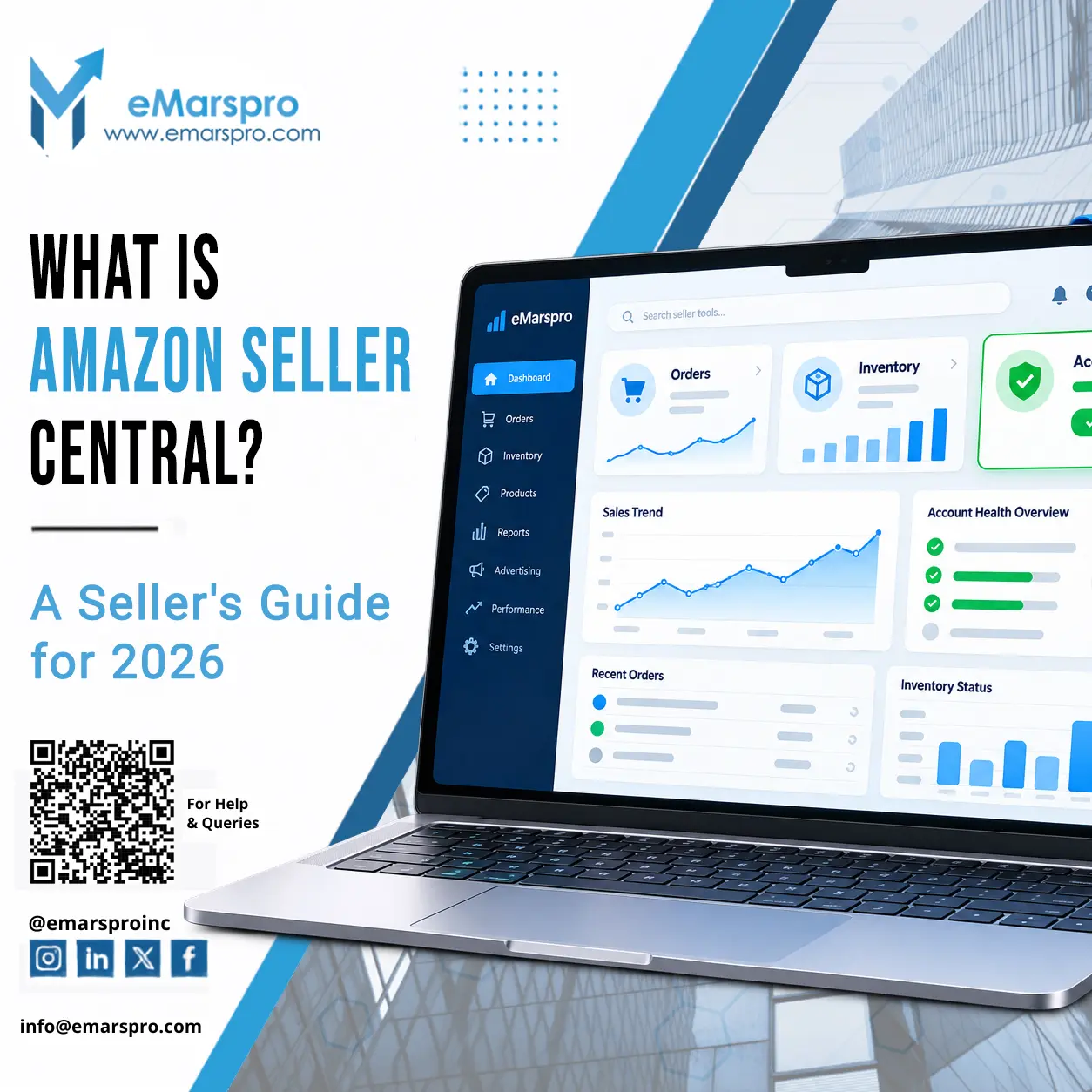


Amazon Seller Central is the web portal where third-party sellers run their Amazon business: listing products, managing inventory and orders, answering customers, running ads, and tracking account health. If you sell on Amazon rather than to Amazon, Seller Central is where the work happens.
This guide covers how to open an account in 2026, what it costs, the tools inside, and how Seller Central differs from Vendor Central.
Who Can Open a Seller Central Account?
Registration is open to individuals and businesses in most countries. Amazon’s registration guide lists what to have ready before you start:
- A working email address and phone number
- A government issued ID
- An internationally chargeable credit card
- Your bank account and routing number for disbursements
- Tax information
- Proof of your residential address from the last 180 days, like a bank or card statement
- Registering as a business? Also have your business license or registration details ready: the exact legal name, company registration number, and registered address as they appear on your documents
Seller Central serves every common selling model:
- Private label brands get Brand Registry, A+ Content, and Stores to build a branded buying experience.
- Resellers and wholesalers list existing products and compete on price and availability. Many start by selling wholesale through FBA.
- First-time sellers can begin on the Individual plan with almost no fixed cost, even without holding inventory.
How to Set Up an Amazon Seller Central Account
Registration takes about an hour of active work, plus Amazon’s identity checks. Once the account is open, the real job is running it well day to day. The setup steps:
1. Create your account
Go to sellercentral.amazon.com, click Sign up, and register with your name, email, and password. Use an email you check daily; Amazon’s verification and performance notifications land there.
2. Pick your selling plan
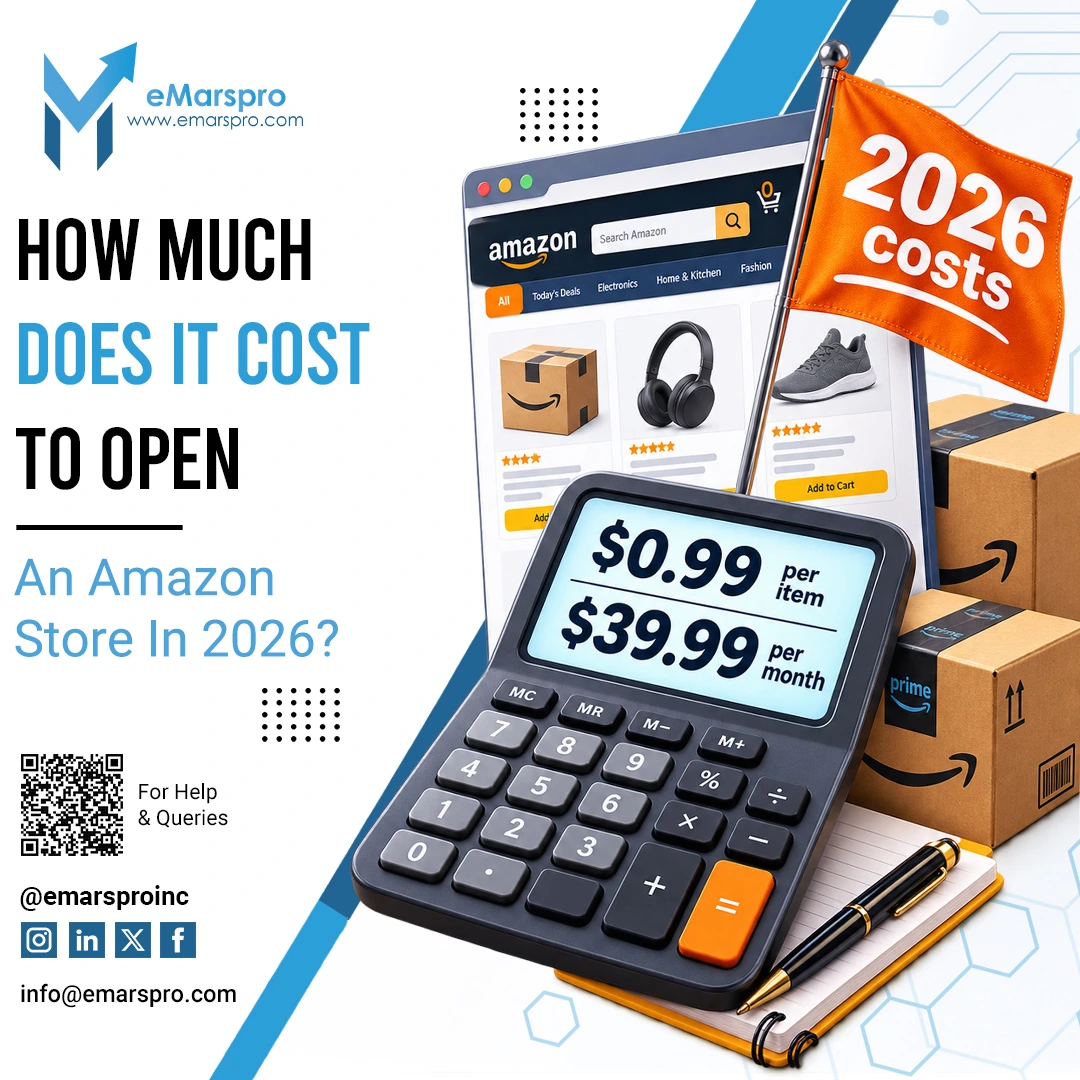
- Individual: no subscription, $0.99 per item sold. Right for testing and volumes under 40 units a month
- Professional: $39.99 per month. Adds advertising, bulk listing tools, advanced reports, and restricted categories
Rule of thumb: past 40 units a month, Professional costs less than the per-item fees would.
3. Complete registration and identity verification
Work through Amazon’s registration flow with the checklist above at hand. It asks for:
- Business location, type, legal name, registration number, and registered address (businesses)
- The primary contact’s identity: legal name, date of birth, residential address, phone number
- Bank, card, and tax details (the tax interview runs inside the flow)
Amazon then verifies your identity with a photo of your face and ID, or a short video call. Enter everything exactly as your documents show it; mismatched names or addresses are the most common cause of stalled registrations.
4. Set up your seller profile and policies
Add your business name, logo, and a short description, then configure your shipping and return settings. Buyers see this profile, so treat it as a storefront, not a formality.
5. Choose your marketplaces
Select where you will sell: Amazon.com for the US, plus any international marketplaces you are ready to support. Each marketplace has its own fees, tax rules, and language requirements, so expand deliberately rather than ticking every box on day one.
6. Add your first product listings
Use Add a Product to list against existing catalog pages or create new ones with your titles, images, bullets, and pricing. Listing quality decides visibility: our guide to optimizing Amazon product listings covers keywords, images, and content that convert.
7. Choose fulfillment: FBA or FBM
- FBA (Fulfillment by Amazon): you ship stock to Amazon’s warehouses; Amazon stores, delivers, and handles most customer service. Prime badge included
- FBM (Fulfillment by Merchant): you ship each order yourself and keep full control of the process
Many accounts run both, chosen per product on margin, size, and demand.
8. Set your operating routines
From week one:
- Monitor inventory so you neither strand stock nor run out
- Watch your pricing against competitors
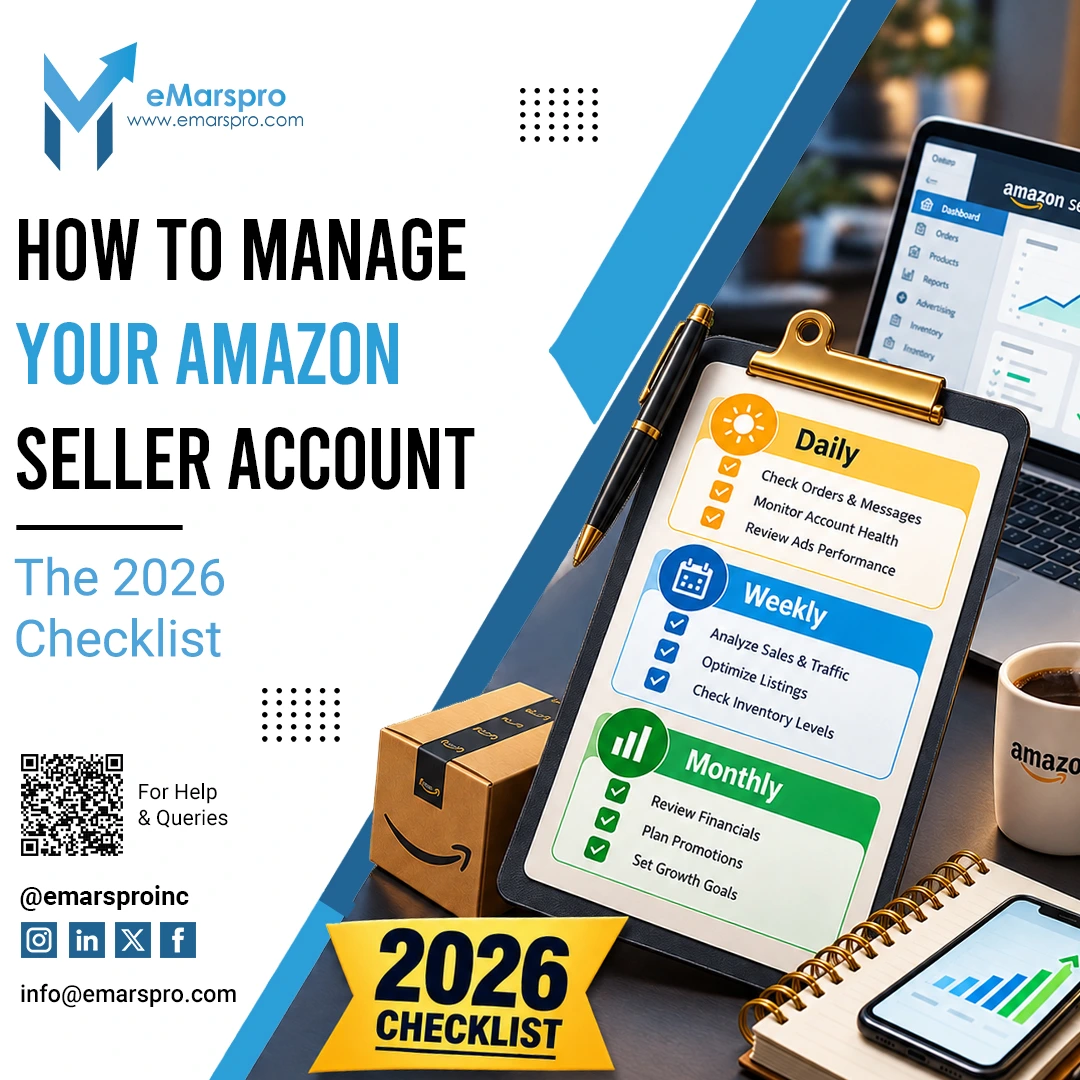
- Check performance metrics weekly: order defect rate, late shipment rate, valid tracking rate
Small problems in these numbers become account-level problems if ignored.
Amazon Seller Central Fees: Individual vs Professional
| Plan | Cost | Best for |
|---|---|---|
| Individual | $0.99 per item sold | Testing, under 40 units a month |
| Professional | $39.99 per month | Everyone else: includes ads, bulk tools, restricted categories |
Two more fee families apply on every plan:
- Referral fees: a percentage of each sale, varying by category
- FBA fees: fulfillment and storage costs based on size, weight, and season, if Amazon ships your orders
Current rates are published on Amazon’s pricing page. Fees quietly decide margins, and most accounts we audit are paying more than they need to; our guide to reducing Amazon FBA fees covers the practical levers.
How Does Amazon Seller Central Help Sellers?
Inside the account, the toolset covers the whole selling operation:
Listing and catalog management
Create, edit, and organize product listings, individually or in bulk, including variations, images, and A+ Content for registered brands.
Orders and fulfillment
View and process orders, print labels, manage returns and refunds, and track shipments, whether you fulfill yourself or through FBA.
Inventory control
Track stock levels across warehouses, get restock recommendations, and set automated repricing and replenishment rules.
Advertising
Run Sponsored Products, Sponsored Brands, and other campaign types directly from the console, with budgets and targeting under your control.
Performance and account health
The Account Health dashboard tracks the metrics Amazon judges you on: order defect rate, policy compliance, shipping performance. Keeping these green is what keeps the account selling.
Payments
Amazon collects from buyers and disburses to your bank on a rolling schedule, with statements and transaction-level reports in the console.
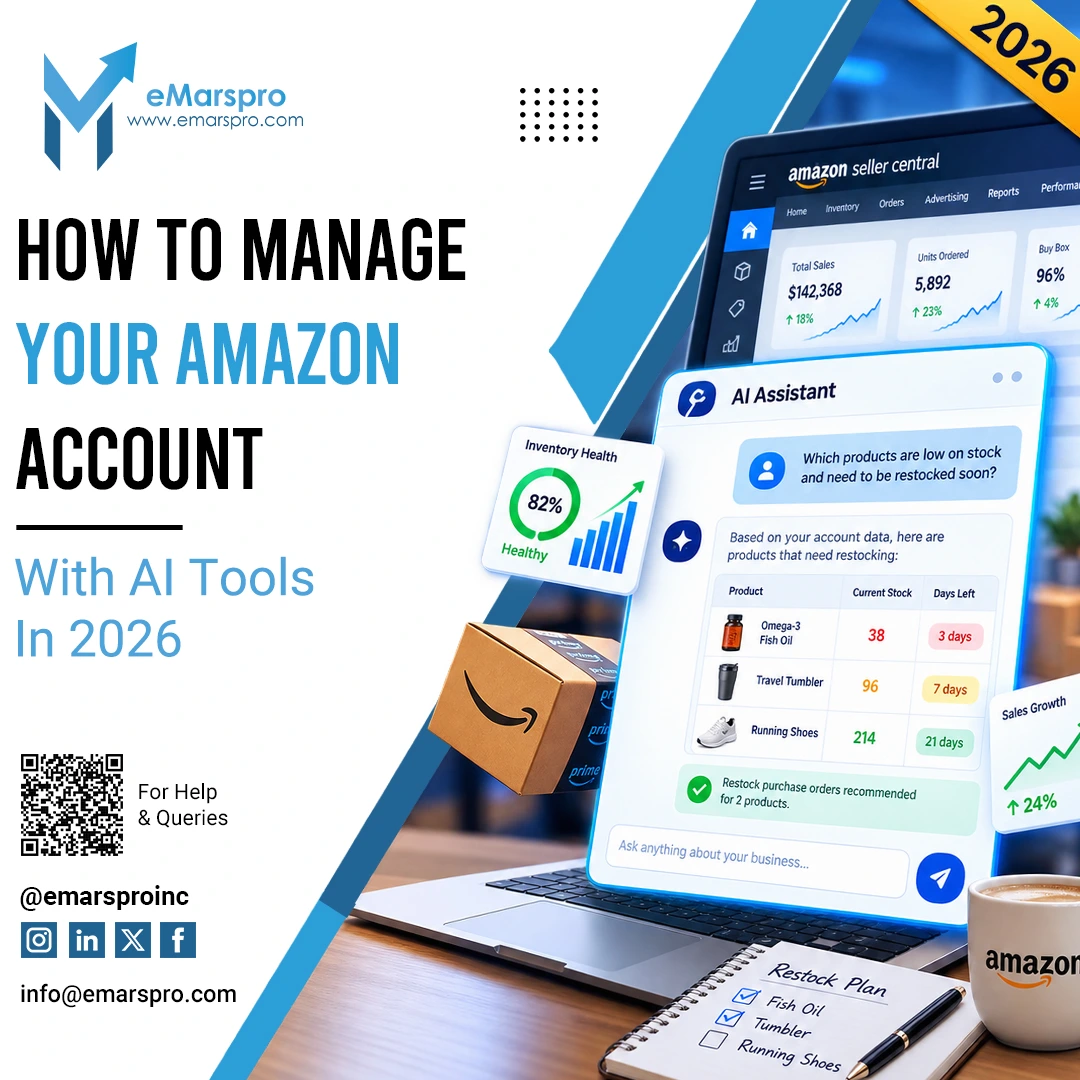
The AI assistant inside Seller Central. Seller Central now includes Amelia, Amazon’s generative AI selling assistant: ask questions in plain language, pull your own sales and inventory data, and get guidance on account issues without digging through help pages. Amazon has been expanding what Amelia can do since its 2024 launch, alongside AI tools that generate listing content from a product URL or image. They are genuinely useful for routine questions, and like every AI tool, worth double-checking on anything that affects account health.
Seller Central vs Vendor Central: Which One Are You?
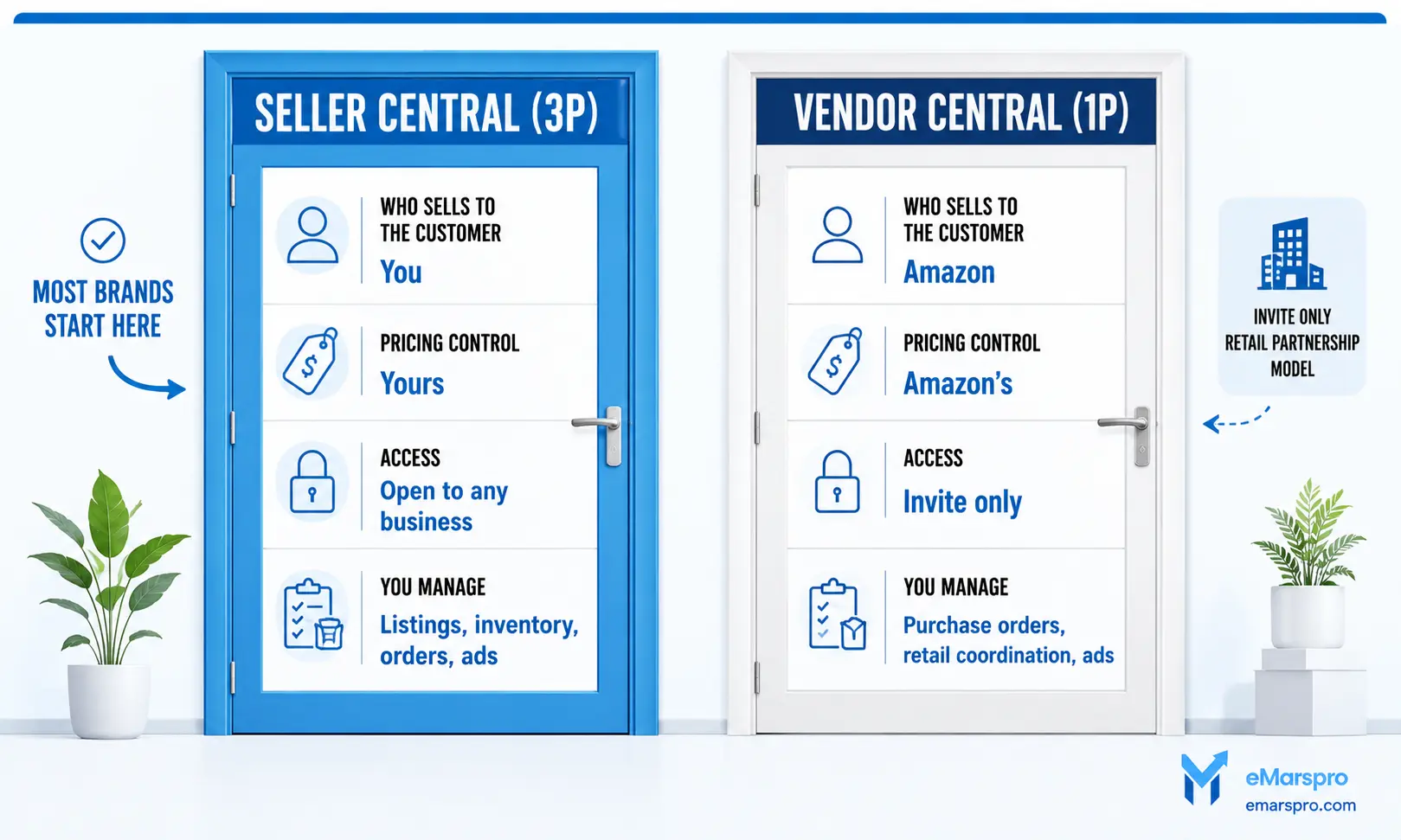
Amazon has two doors. Seller Central is for third-party sellers (3P): you own the inventory, set the prices, and sell directly to customers, with Amazon taking fees. Vendor Central is invite-only for first-party vendors (1P): Amazon buys your stock wholesale and retails it themselves.
The practical differences:
| Seller Central (3P) | Vendor Central (1P) | |
|---|---|---|
| Who sells to the customer | You | Amazon |
| Pricing control | Yours | Amazon’s |
| Access | Open to any business | Invite only |
| You manage | Listings, inventory, orders, ads | Purchase orders, retail coordination, ads |
Most brands start in Seller Central, and some later run both. Moving between models, or running them side by side, changes fees, margins, and operations enough that it is worth a plan: our Amazon Seller Central consulting team maps that decision, including vendor central to seller central migrations.
The Amazon Seller Central Mobile App
The free Amazon Seller app covers the essentials from your phone:
- Real-time alerts for orders, messages, and account health
- Order, inventory, and shipment management
- Sales tracking and quick business analysis
- Customer message replies on the go
- Product photos taken and edited from your phone
It does not replace the desktop console for bulk edits or advertising, but install it on day one for responsiveness.
Frequently Asked Questions
Amazon Seller Central is the management console for third-party Amazon sellers. It is used to create and edit product listings, manage inventory and orders, run advertising, respond to customers, and monitor account health and payments.
The Individual plan has no subscription and charges $0.99 per item sold. The Professional plan costs $39.99 per month. Referral fees apply to every sale, and FBA fulfillment and storage fees apply if Amazon ships your orders.
An email address and phone number, a government issued ID, an internationally chargeable credit card, a bank account and routing number, tax information, and proof of your residential address. Businesses also provide their license or registration details. Amazon verifies identity with an ID photo or a short video call.
Seller Central is for third-party sellers who own their inventory and sell directly to customers. Vendor Central is invite-only for brands that sell wholesale to Amazon, which then retails the products itself.
Yes. Many brands run a hybrid model, selling some catalog lines 1P through Vendor Central and others 3P through Seller Central. The split affects pricing control, margins, and operations, so it should be a deliberate decision rather than an accident.
Yes. Amelia, Amazon’s generative AI selling assistant, is built into Seller Central. It answers questions in plain language, surfaces your own account data, and helps with routine account issues.
Set Up Is The Easy Part
Opening the account takes an afternoon. Running it well is the actual job: listings that rank, inventory that doesn’t strand, an Account Health Rating that stays green. Already past $250K a year? Full Amazon account management takes the daily work off your desk, starting with a free 48-hour audit.